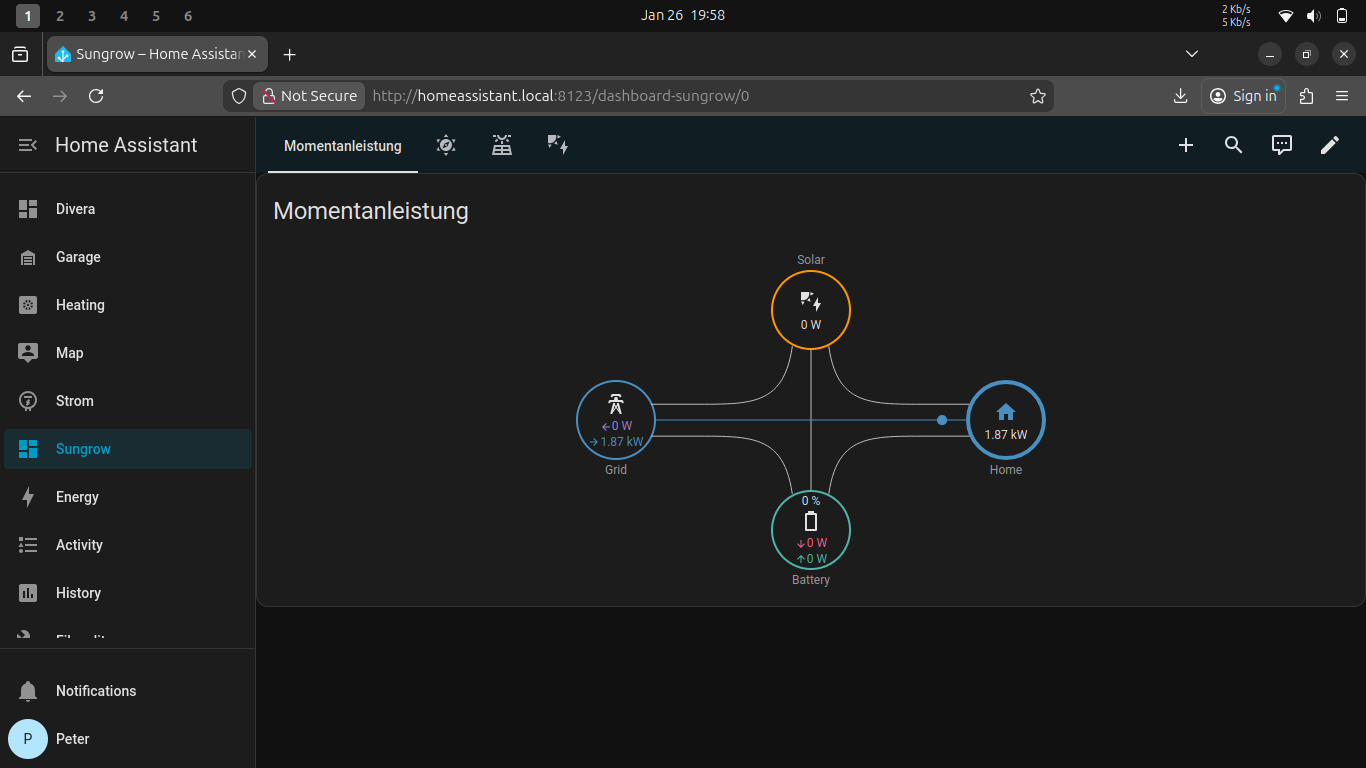
Integrating a Sungrow Inverter with Home Assistant over modbus
Our inverter, that we purchased with the house and which was already over ten years old, recently crapped out and we needed to replace it. The electrician recommened we consider a sungrow 10KW inverter. It ticked all the boxes in terms of specs so we decided to go for it. Once it was installed I wanted to intergrate it into the instance of Home Assistant we have running.
I read online that it’s possible to integrate sungrow inverters into Home Assistant via modbus. Spoiler, I did get this to work but it proved more difficult than I first expected.
Below are the steps I took to get it working:
Enabling modbus on the inverter
- download sungrow’s iSolarCloud app.
- open the app and click on the bottom left hand text “Local Access”
- you”ll be prompted to scan the qr code on the WiNet dongle located under the inverter, do that.
- Next you’ll be prompted to press the button on the dongle 3 times to enable the dongles local wifi network, do that.
- on the password login page enter the credentials user: “admin”” and password: “pw8888”
- Goto Settings -> Communication parameters and make sure the switch “Inverter ETH port” is on.
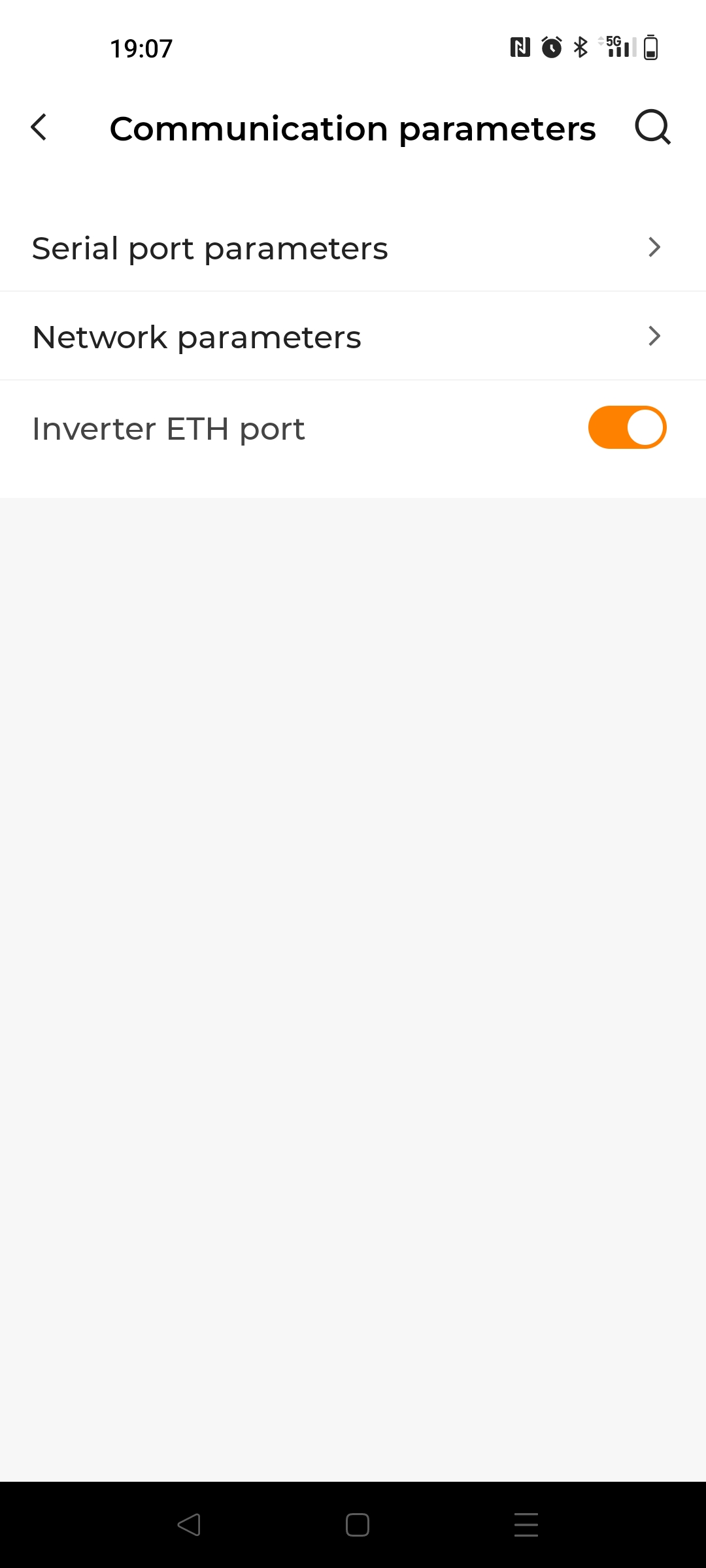
- Goto Settings -> Communication parameters -> Network parameters and make sure the switch “Obtain IP address automatically” is on. We are now finished with the app. Next we need to plug the ethernet cable from the LAN port in the inverter to an access point, in my case my fritz box router.
- Plug in one end of the ethernet cable into the lan port of the inverter, it’s located behing the winet dongle and you must unscrew the cap to access it.
- Plug the other end of the cable into your access point.
Setting up the modbus integration in Home Assistant
The steps to setup Home Assistant to read out the modbus values from the inverter are really well described here: https://github.com/mkaiser/Sungrow-SHx-Inverter-Modbus-Home-Assistant/blob/main/doc/installation.md
All going well you should be able to create some really nice dashboards with the new integration :)